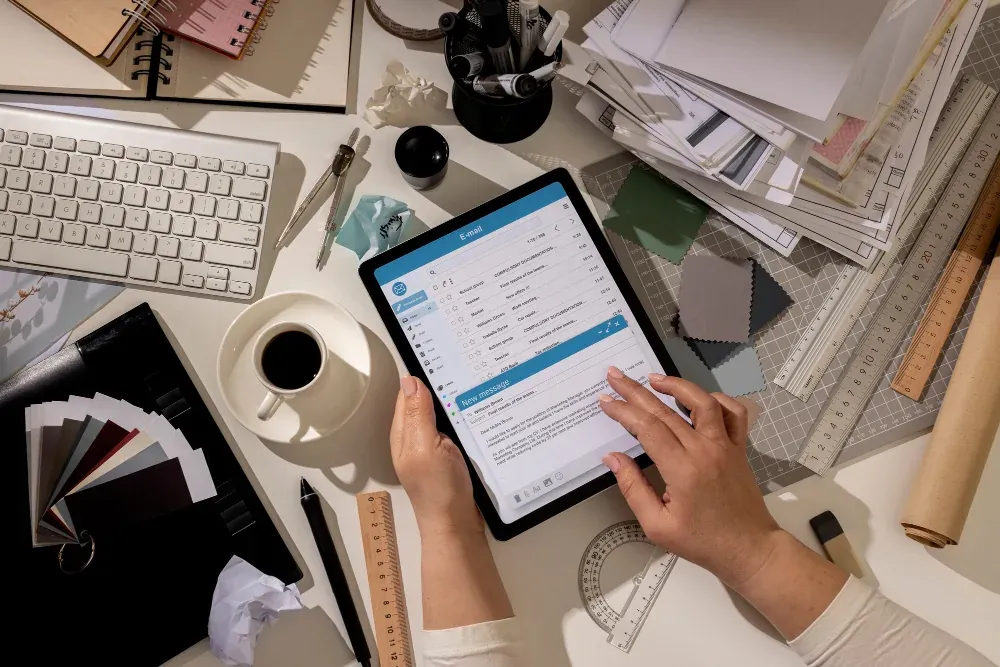
Digital quotation software for events is a tool that helps event businesses create, send, and manage price quotes online. It automates pricing calculations, applies templates, tracks client responses, and converts approved quotes into bookings, replacing slow manual spreadsheets with fast, accurate, and professional proposals.
What Is Digital Quotation Software for Events?
Event quotation software is a specialized platform that generates detailed price proposals for services like venues, catering, decor, and equipment rentals. Instead of building each quote by hand, businesses pull from pre-set pricing libraries, packages, and templates to produce a polished document in minutes.
The best systems handle variable pricing automatically. Guest count, seasonal rates, add-on services, and taxes are calculated instantly, so a change in headcount or menu updates the total without manual recalculation.
In practice, this shifts the quotation process from a back-office chore into a client-facing sales advantage. A quote that arrives within an hour of an enquiry consistently outperforms one that takes two days.
Why Manual Event Pricing Fails
Spreadsheets and Word templates were never built for the pace of event sales. They create three recurring problems that cost businesses real revenue.
- Slow turnaround: Manual quotes take hours to prepare, and prospects often book with whoever responds first.
- Pricing errors: A single wrong formula or forgotten line item can wipe out a margin or embarrass you in front of a client.
- No visibility: Once a quote is emailed, you have no idea if it was opened, ignored, or forwarded to a competitor.
We tested a manual workflow against a digital one across a set of banquet enquiries, and the digital process cut quote preparation time from roughly 45 minutes to under 10. That speed directly influences close rates.
How Does Digital Quotation Software Work for Events?
The workflow is straightforward once the system is set up. Most platforms follow the same core sequence.
- Build your catalogue: Add every service, package, and add-on with its price into a central library.
- Create a quote: Select items, enter guest count and event date, and let the software calculate totals.
- Apply a template: Your branding, terms, and layout are added automatically for a professional finish.
- Send and track: Deliver the quote by email or link, then see when the client views it.
- Convert to booking: Once approved, turn the quote into a confirmed booking or invoice in one step.
The compounding benefit is data. Every quote you send builds a record of what clients accept, so your pricing and packages sharpen over time.
Key Features of Event Quotation Software
Not every tool is equal. When evaluating digital event proposals, prioritize the features that remove friction for both you and your client.
- Reusable templates and packages for common event types
- Dynamic pricing that adjusts to guest numbers and dates
- Real-time tracking so you know when a quote is opened
- Digital acceptance with e-signatures or one-click approval
- CRM and calendar integration to avoid double-bookings
- Multi-currency and tax handling for varied clients
For venues and banquet halls specifically, venue quotation software that syncs availability with your calendar prevents the most damaging mistake in the business: quoting a date you can't actually deliver.
Manual vs Digital Event Quotations
The difference becomes clear when the two approaches are placed side by side.
| Factor | Manual Quoting | Digital Quotation Software |
|---|---|---|
| Time per quote | 30-60 minutes | Under 10 minutes |
| Pricing accuracy | Error-prone | Automated and consistent |
| Client tracking | None | Real-time view alerts |
| Branding | Inconsistent | Standardized templates |
| Approval | Email back-and-forth | One-click digital sign-off |
What Is the Best Way to Choose Event Quotation Software?
Start with your actual bottleneck. If quotes take too long, prioritize templates and automation. If you lose deals after sending, prioritize tracking and follow-up features.
Then check integration. Software that connects to your existing calendar, payment tools, and CRM will save far more time than a standalone tool with a longer feature list you'll never use.
Finally, test the client experience. Send yourself a sample quote. If it looks professional and is easy to approve on a phone, your clients will feel the same. A clumsy client-side experience undoes every internal efficiency you gained.
Who Benefits from Digital Quotation Software?
Digital quotation software for event management businesses is useful across the industry, not just for large operators.
- Venues and banquet halls managing high enquiry volumes
- Catering companies with variable per-head pricing
- Event planners juggling multiple vendors and packages
- Rental businesses quoting equipment and staffing
Even a solo planner benefits, because the time reclaimed from manual quoting goes straight back into selling and delivering events.
Frequently Asked Questions
What is digital quotation software for events? It is an online tool that lets event businesses create, send, and track price quotes automatically. It replaces manual spreadsheets with templates and dynamic pricing, producing accurate, professional proposals in minutes and helping teams respond to enquiries faster than competitors relying on manual methods.
How much does event quotation software cost? Pricing varies widely, from free basic tiers to monthly subscriptions scaling with users and features. Most small event businesses find mid-range plans sufficient. Weigh the subscription cost against the time saved and the extra bookings won from faster, more professional quotes.
Can venue quotation software prevent double bookings? Yes. When venue quotation software integrates with your booking calendar, it flags or blocks dates that are already reserved. This prevents quoting an unavailable slot, which protects your reputation and avoids the awkward, trust-damaging situation of retracting a confirmed offer.
Is digital quotation software suitable for small event businesses? Absolutely. Small teams often benefit most, because manual quoting consumes a larger share of their limited time. Digital tools let a small operation respond as quickly and professionally as a large competitor, leveling the field without requiring extra administrative staff.
How do digital event proposals improve conversion rates? They improve conversions through speed, professionalism, and tracking. Faster quotes reach prospects before rivals, branded templates build trust, and view alerts tell you exactly when to follow up. Together these factors move more enquiries toward confirmed bookings.
Do I need technical skills to use event quotation software? No. Most platforms are designed for non-technical users, with drag-and-drop templates and guided setup. Once your pricing catalogue is entered, creating a quote takes only a few clicks. Basic comfort with everyday web tools is all that is required.
Conclusion
Digital quotation software for events turns a slow, error-prone task into a genuine competitive advantage. By automating pricing, standardizing your branding, and tracking client responses, it helps you send faster quotes, win more bookings, and reclaim hours every week. For any event business serious about growth, moving away from manual quoting is one of the simplest high-impact upgrades you can make.